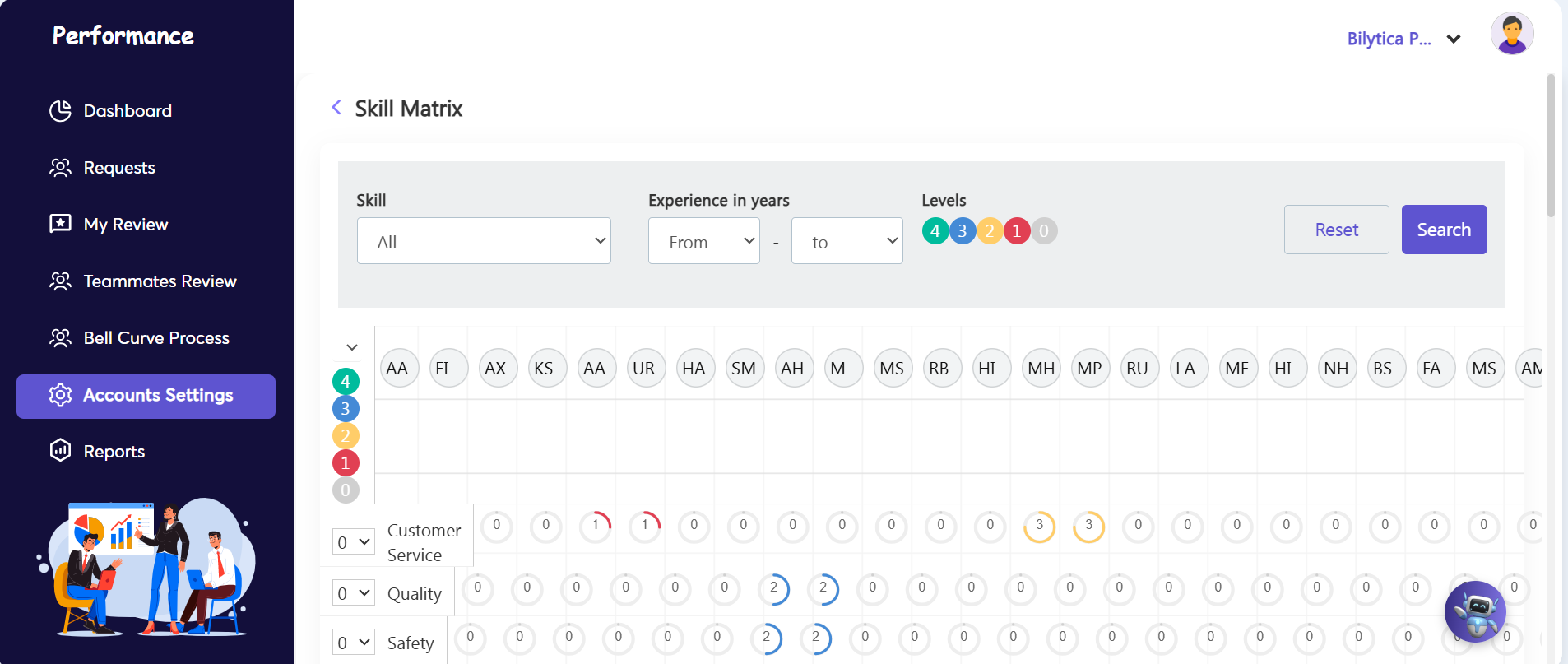
The Skill Matrix is a visual dashboard that maps employee profiles against corporate skill sets. It helps managers and HR administrators track proficiency levels, identify talent gaps, and deploy targeted training across the organization.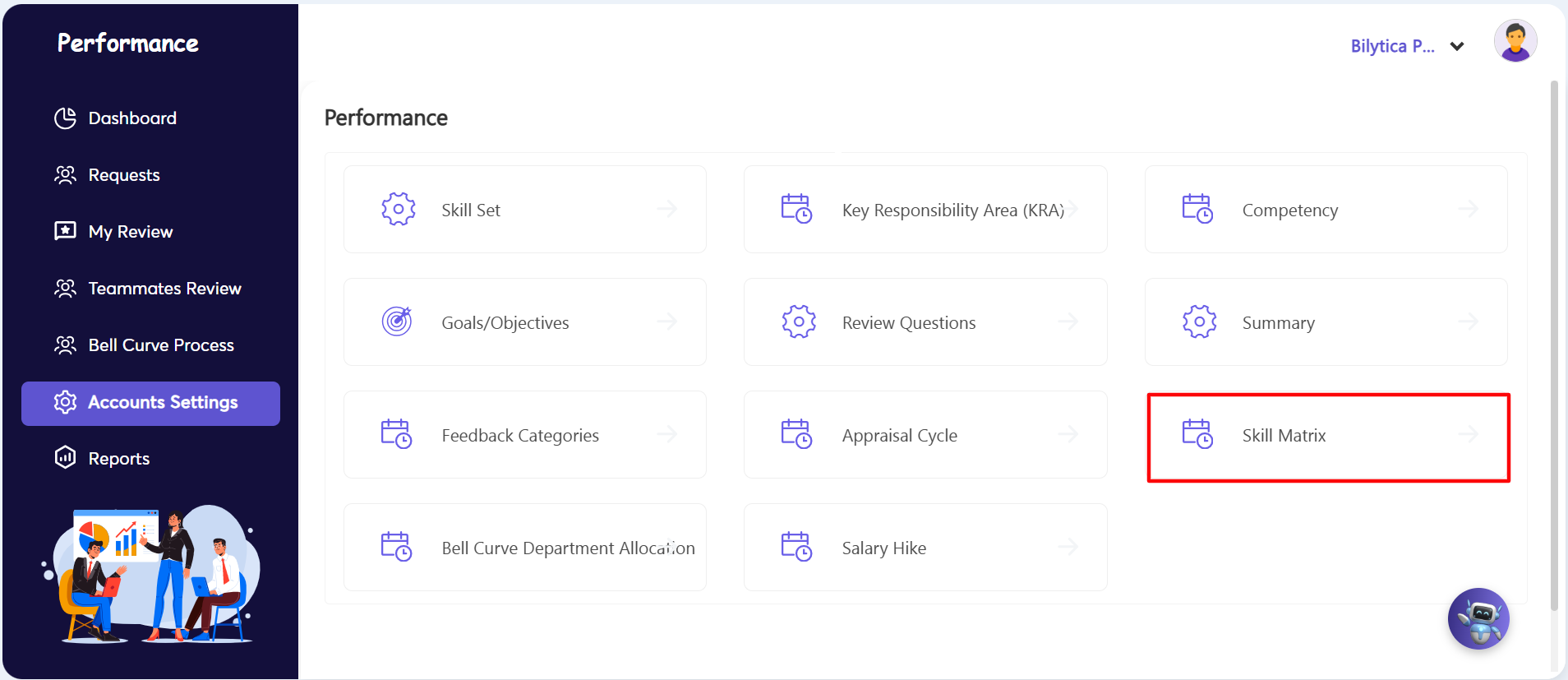
Dashboard Controls & Filters
- Skill Dropdown: Select a single capability to focus on, or view "All" skills at once.
- Experience in Years: Filter the team by specific experience ranges (e.g., finding senior specialists or new hires).
- Proficiency Levels (0–4): A color-coded gauge used to measure competence at a glance:
- ● 4 (Green) — Expert: Advanced, masterful skill execution.
- ● 3 (Blue) — Advanced: Independent and high-quality performance.
- ● 2 (Yellow) — Intermediate: Functional working knowledge with occasional guidance.
- ● 1 (Red) — Beginner: Basic exposure; requires active training or supervision.
- ● 0 (Grey) — Unrated: No competency evaluation data recorded yet.
Matrix Layout
- Columns (Top): Displays individual employee records, identified by their name initials (e.g., AA, FI, AX).
- Rows (Left): Lists established skill categories (e.g., Customer Service, Quality, Safety).
- Grid Cells: The circular intersection badges showing the exact proficiency level score for an employee in that specific skill.