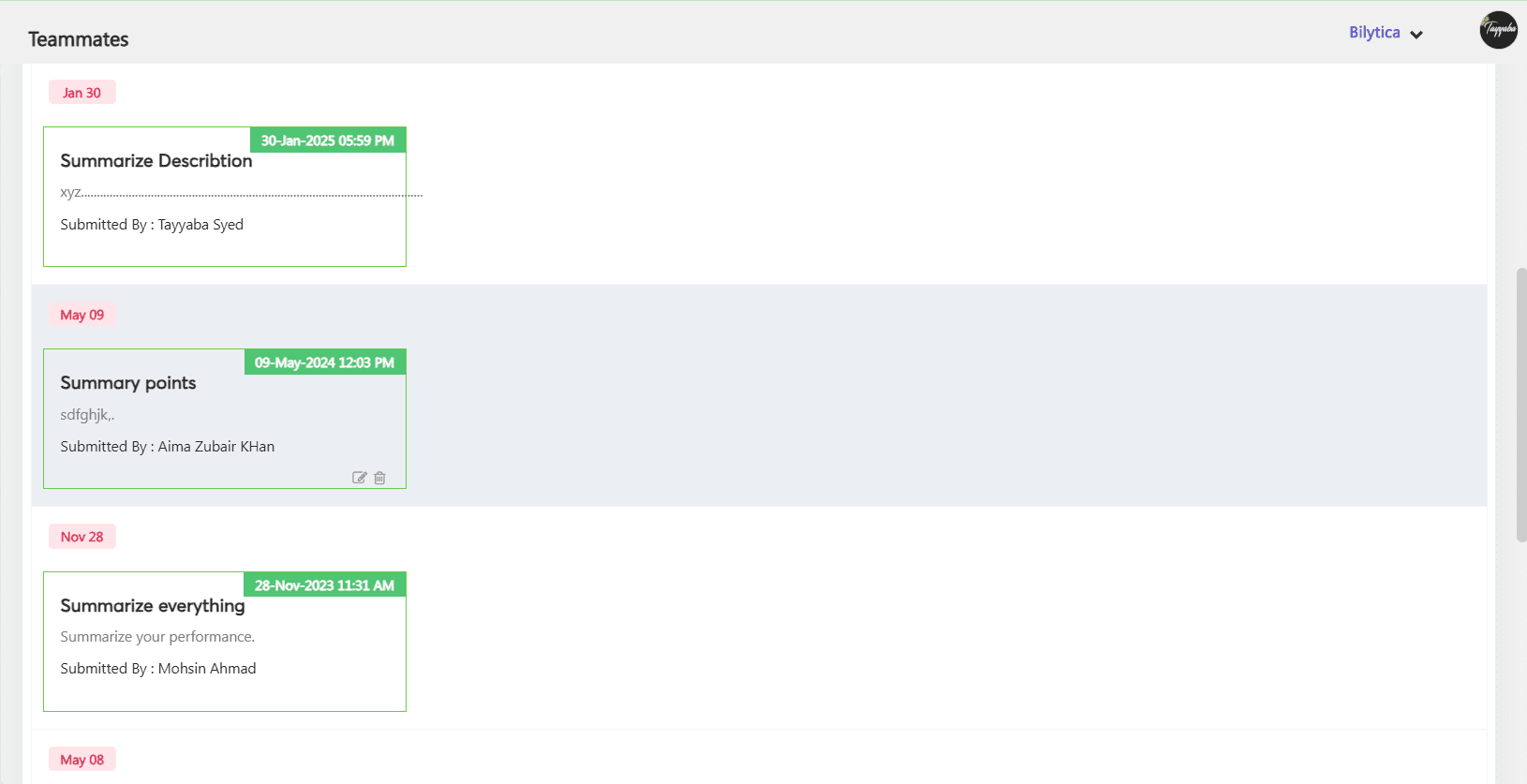
The present reporting manager fills out a questionnaire about several facets of their reportee’s
performance. This is especially useful when the existing manager leaves and is replaced by a
new manager who is unfamiliar with the reporter’s present performance. The new manager will
get a clear and thorough picture of the reporter’s performance by using the Summary module.
Configuring Summary
- Add a different set of summaries in Others => Performance
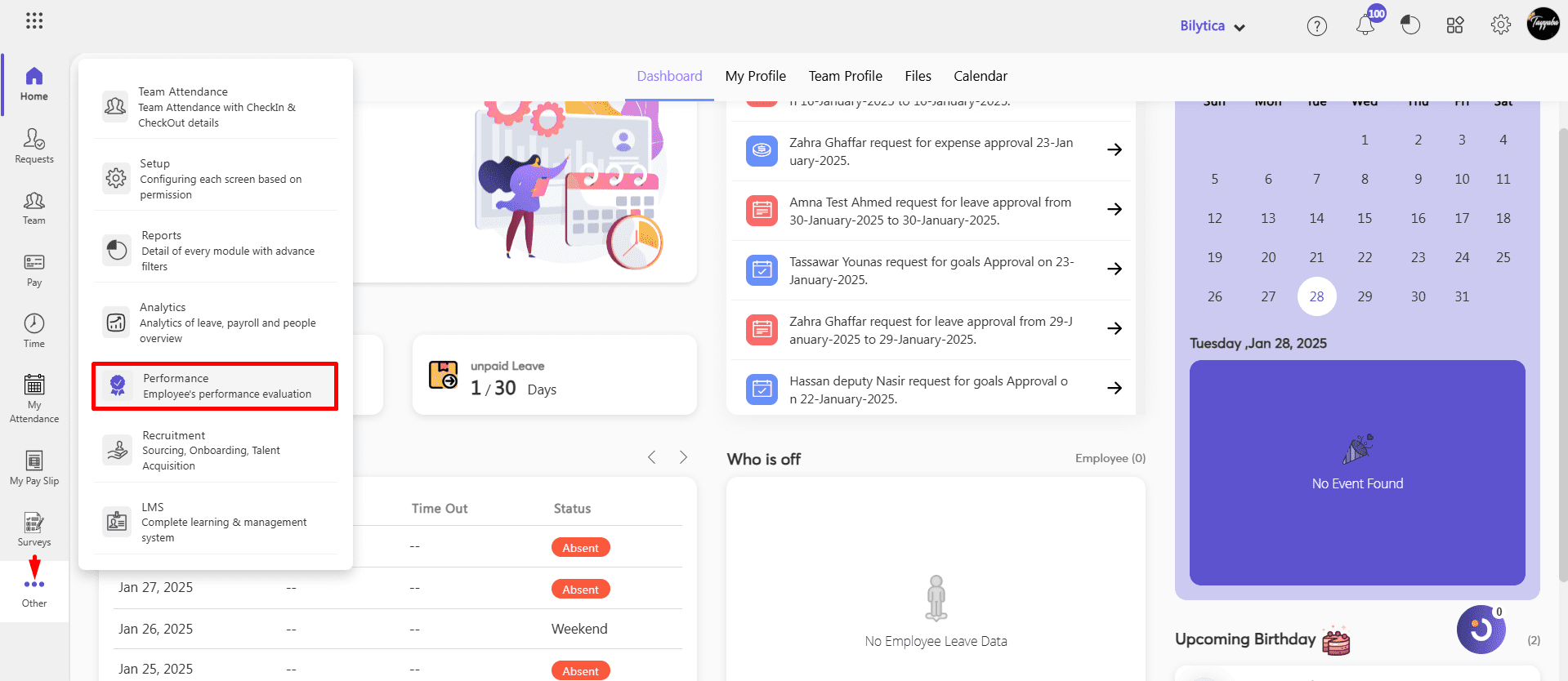
- Account Settings > Summary
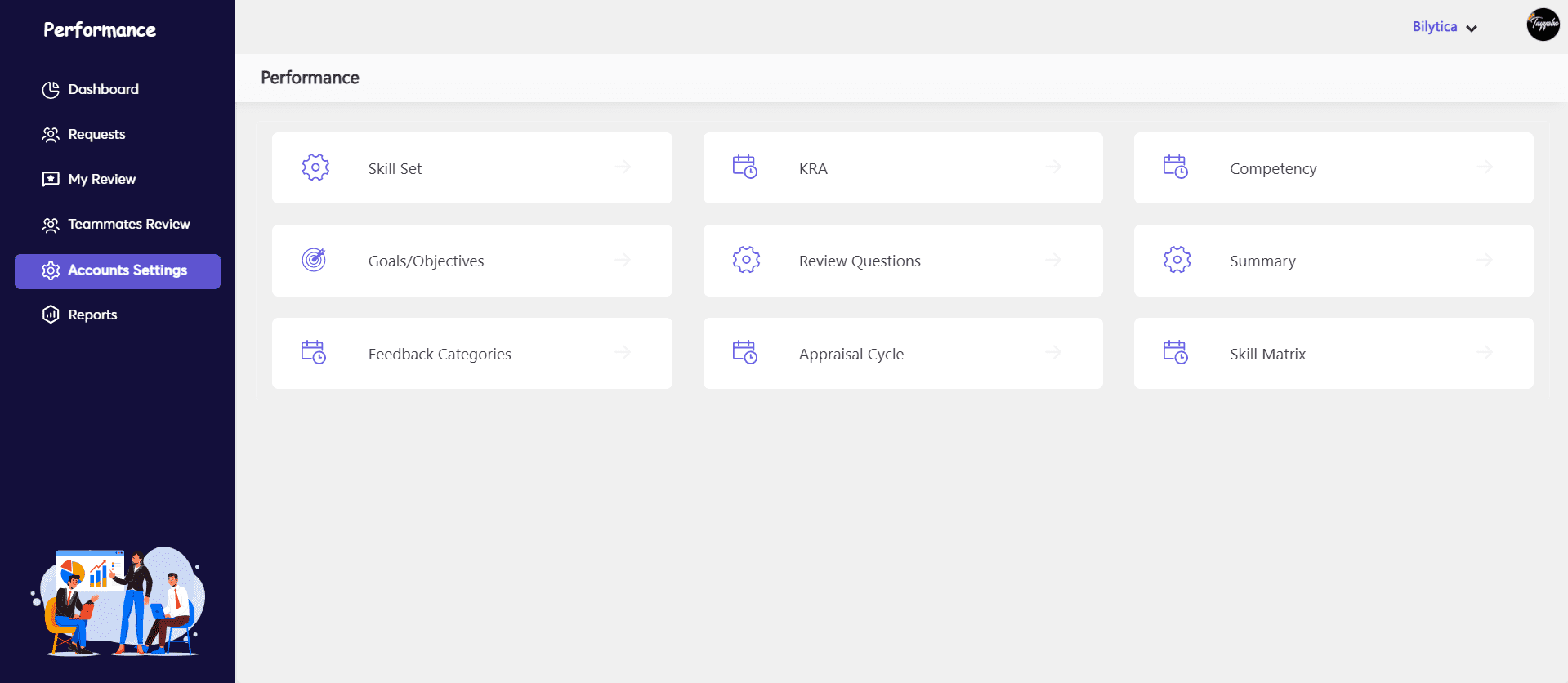
How to Add Summary Types?
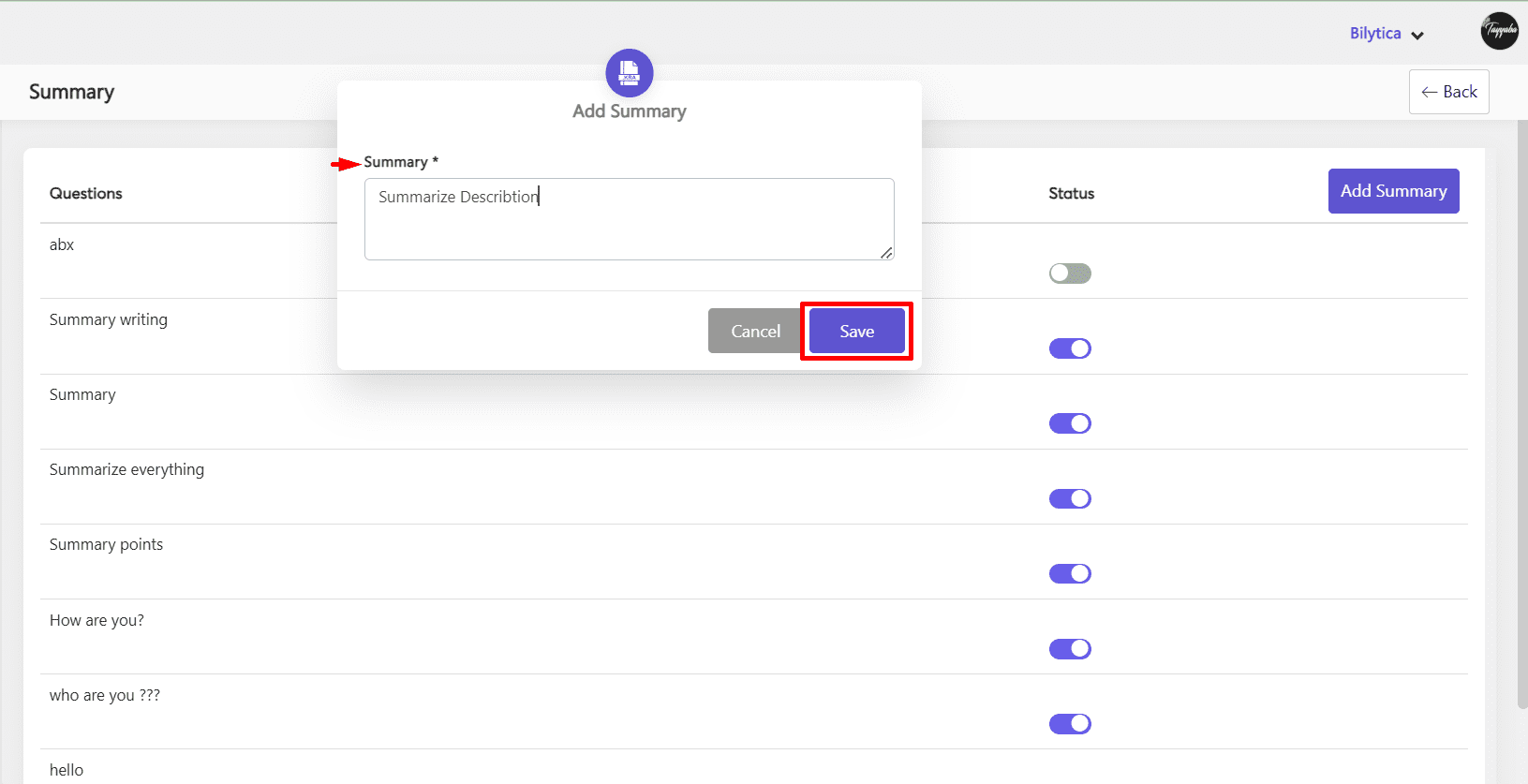
- Click Add Summary button on top right corner.
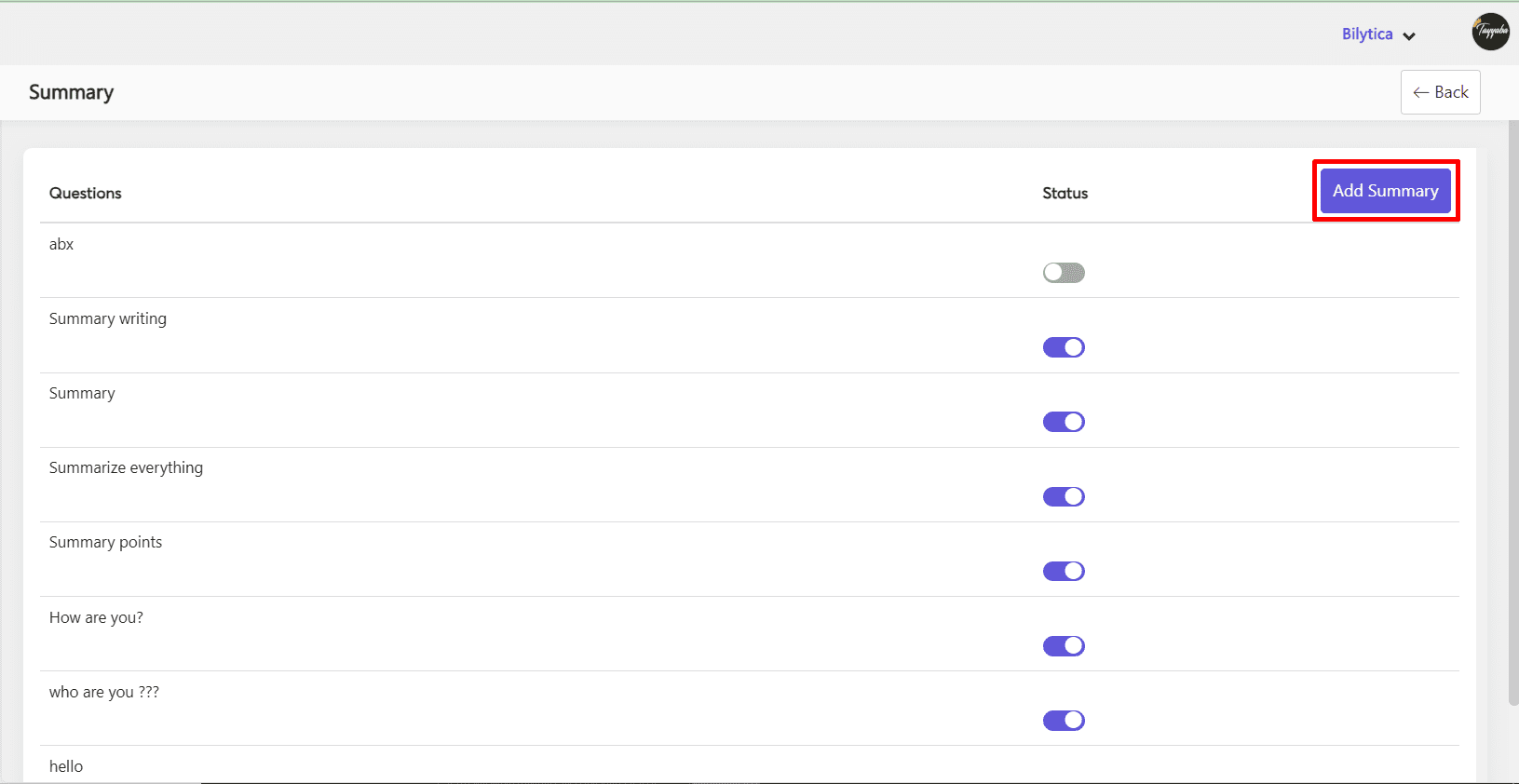
- Write summary and click Save button.
- Summary will be added and show on your summary screen.
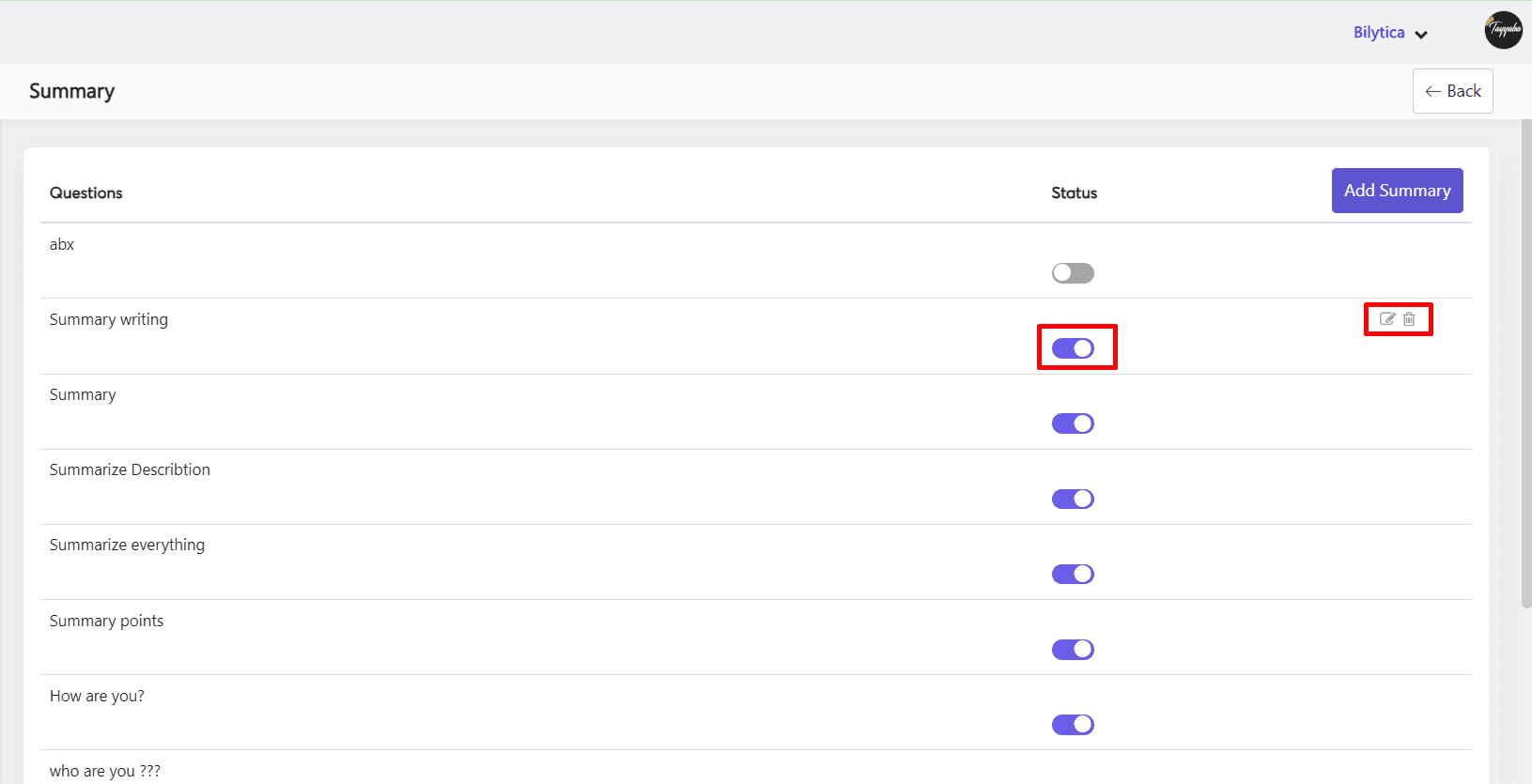
- By hovering the cursor over the summary, you can edit, delete, or mark it as inactive.
Accessing Summary
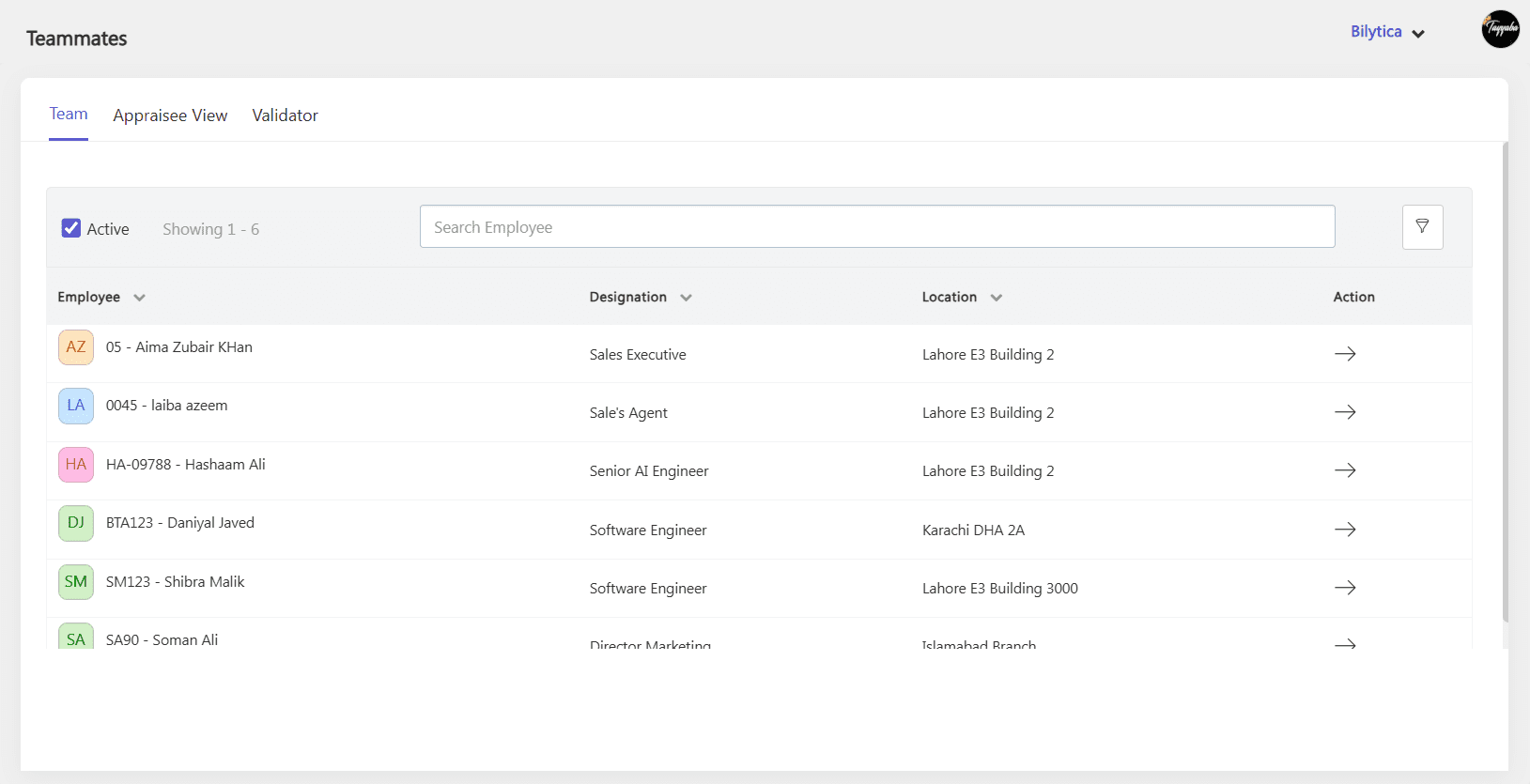
- An admin or manager can access the summary of an employee by going to the Summary tab under Teammates Review > Team > Select Employee
- Click specific employee.
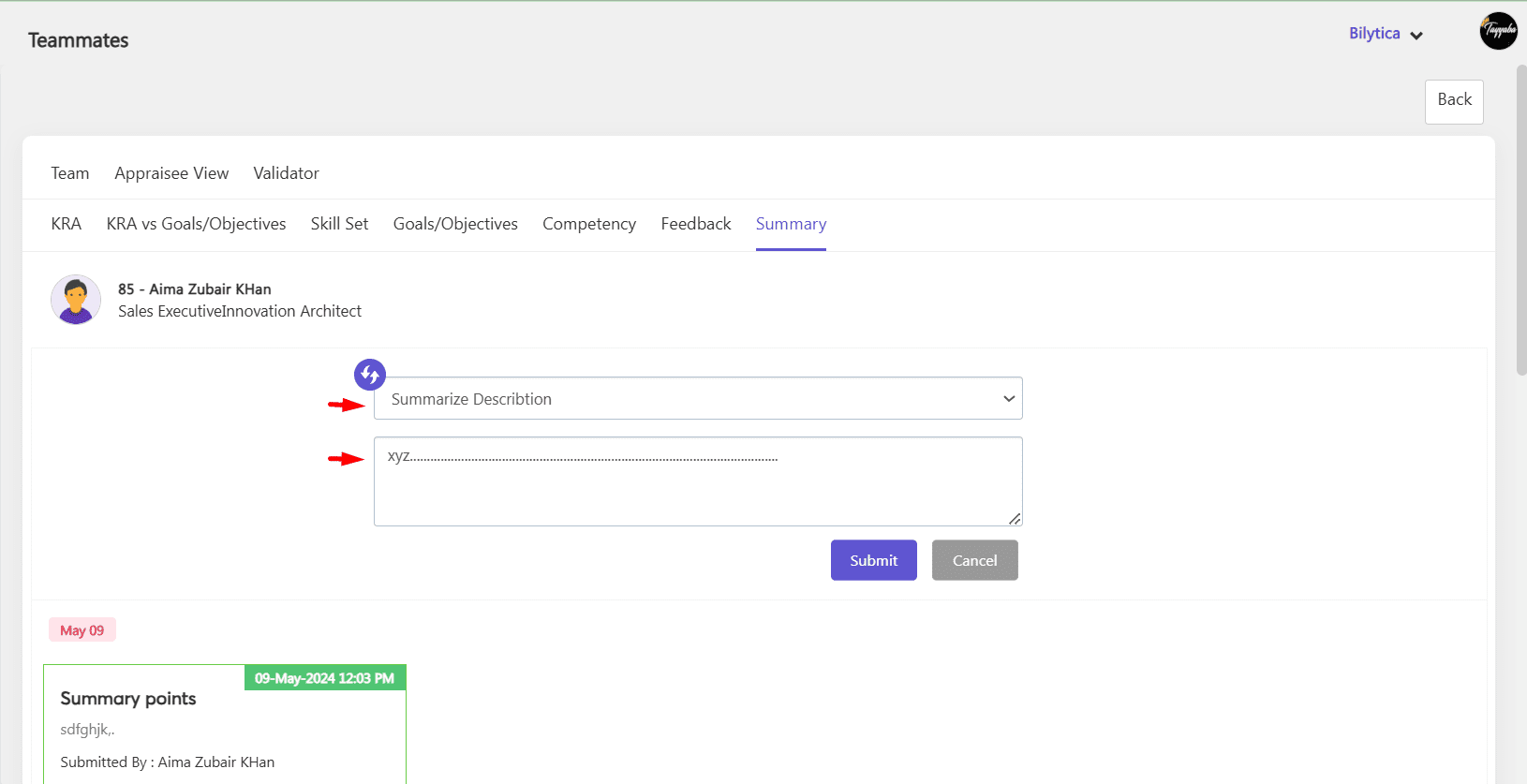
- They can choose the correct question from the drop-down menu and respond in the box below.
- By clicking toggle button
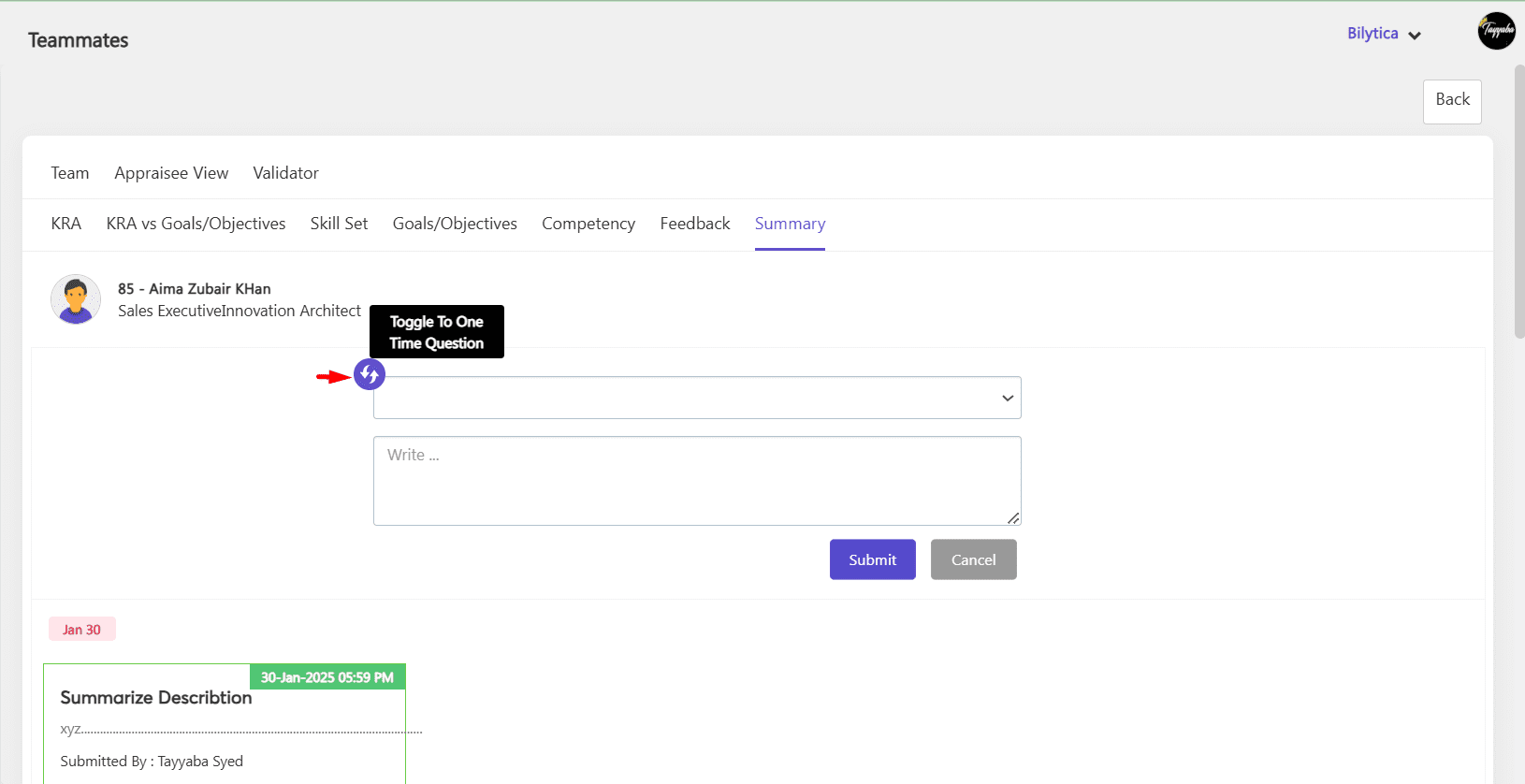
- By looking through the summary questions and responses, a new manager will be able to obtain a decent understanding of the report’s performance.