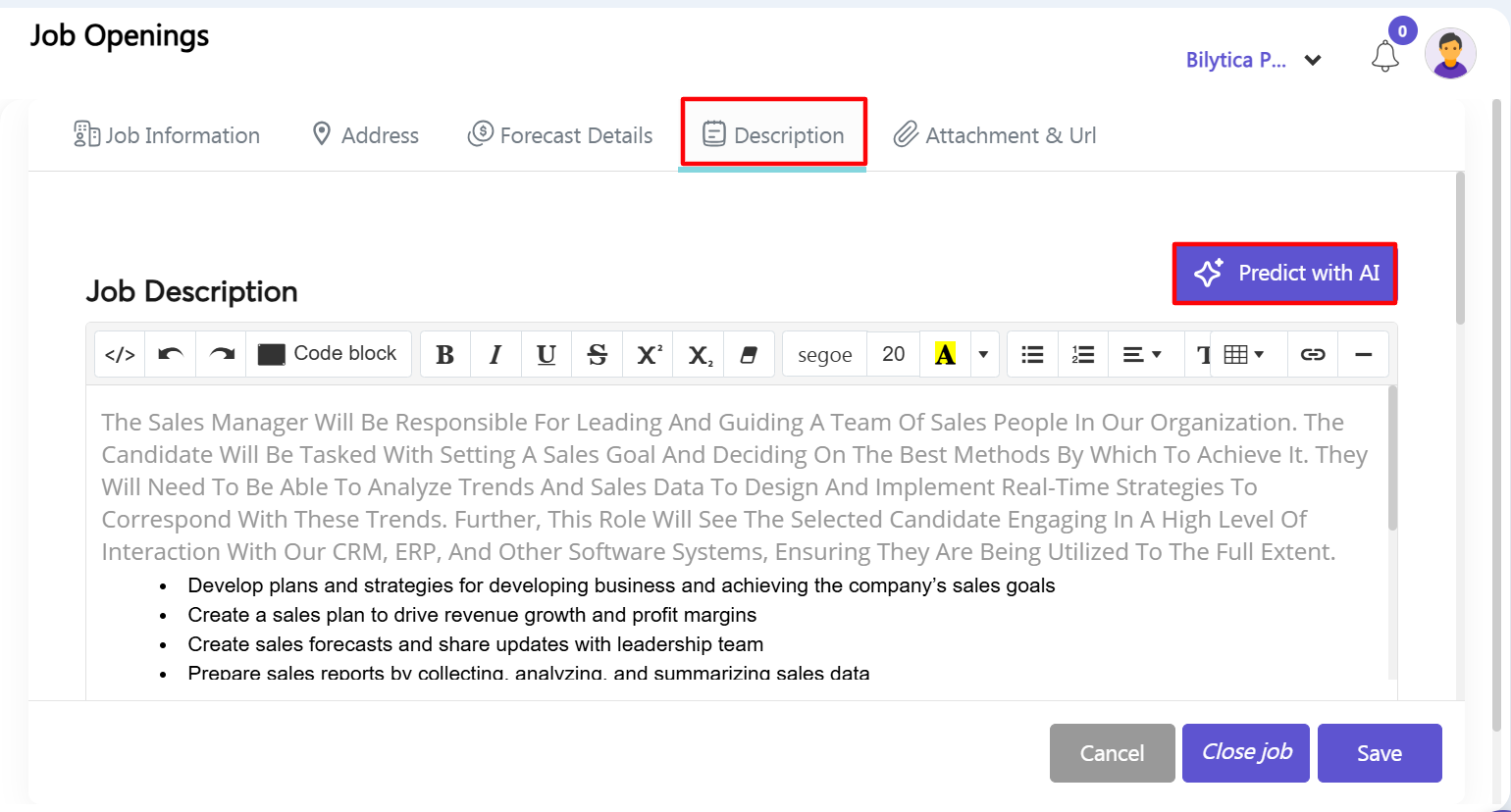
To manually set up or update a public job advertisement using built-in artificial intelligence prompt support:
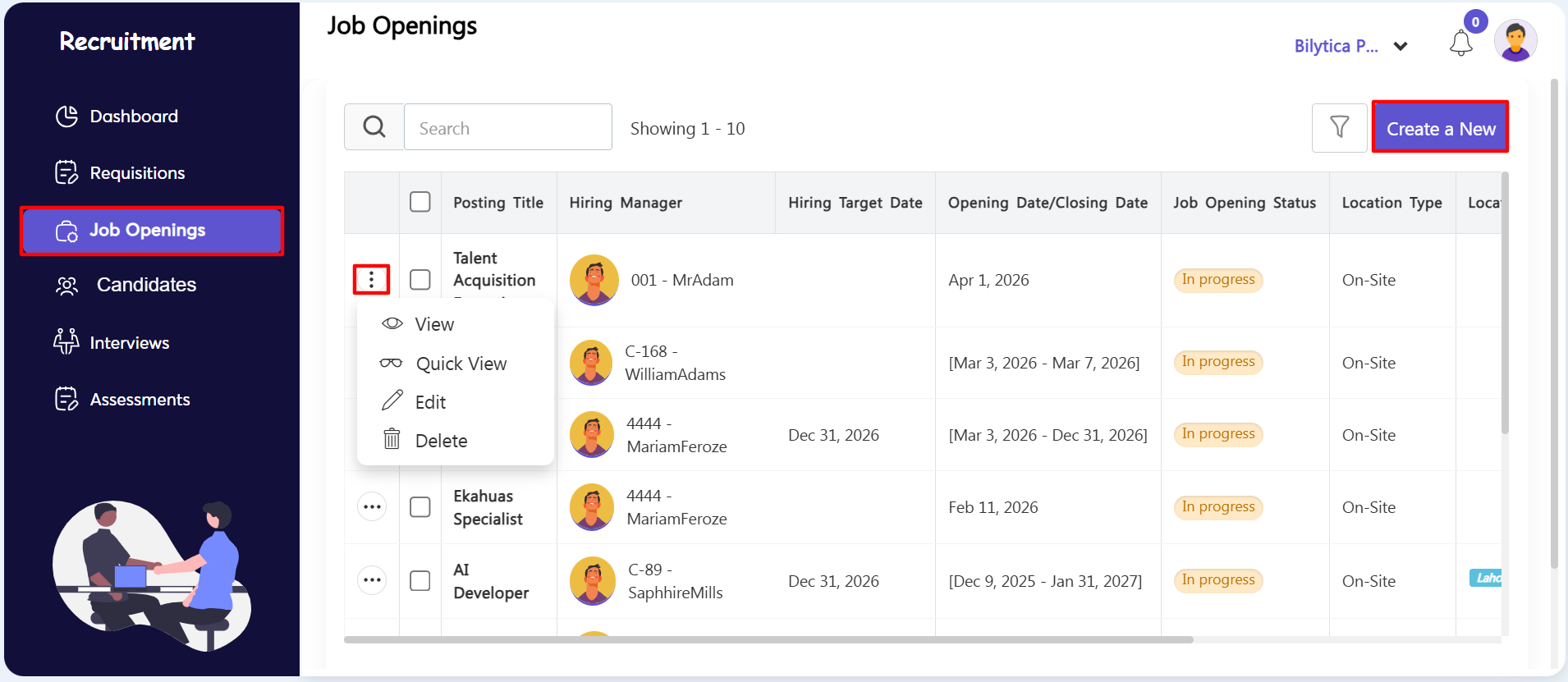
- Step 6: Open the Job Openings Workspace — Click on the third horizontal menu tab labeled Job Openings within the workspace layout panel.
- Step 7: Launch the Openings Setup Wizard — Click the blue Create a New button on the top toolbar to open a fresh job setup wizard overlay window.
- Step 8: Use Built-in AI Assistants — Inside the job creation tabs (Job Information, Address, Forecast Details, Description, Attachment & Url), click the integrated PayPeople AI tool. Type a basic job title or prompt, and let the AI instantly write complete skill lists, clear job descriptions, and structured hiring requirements for you.
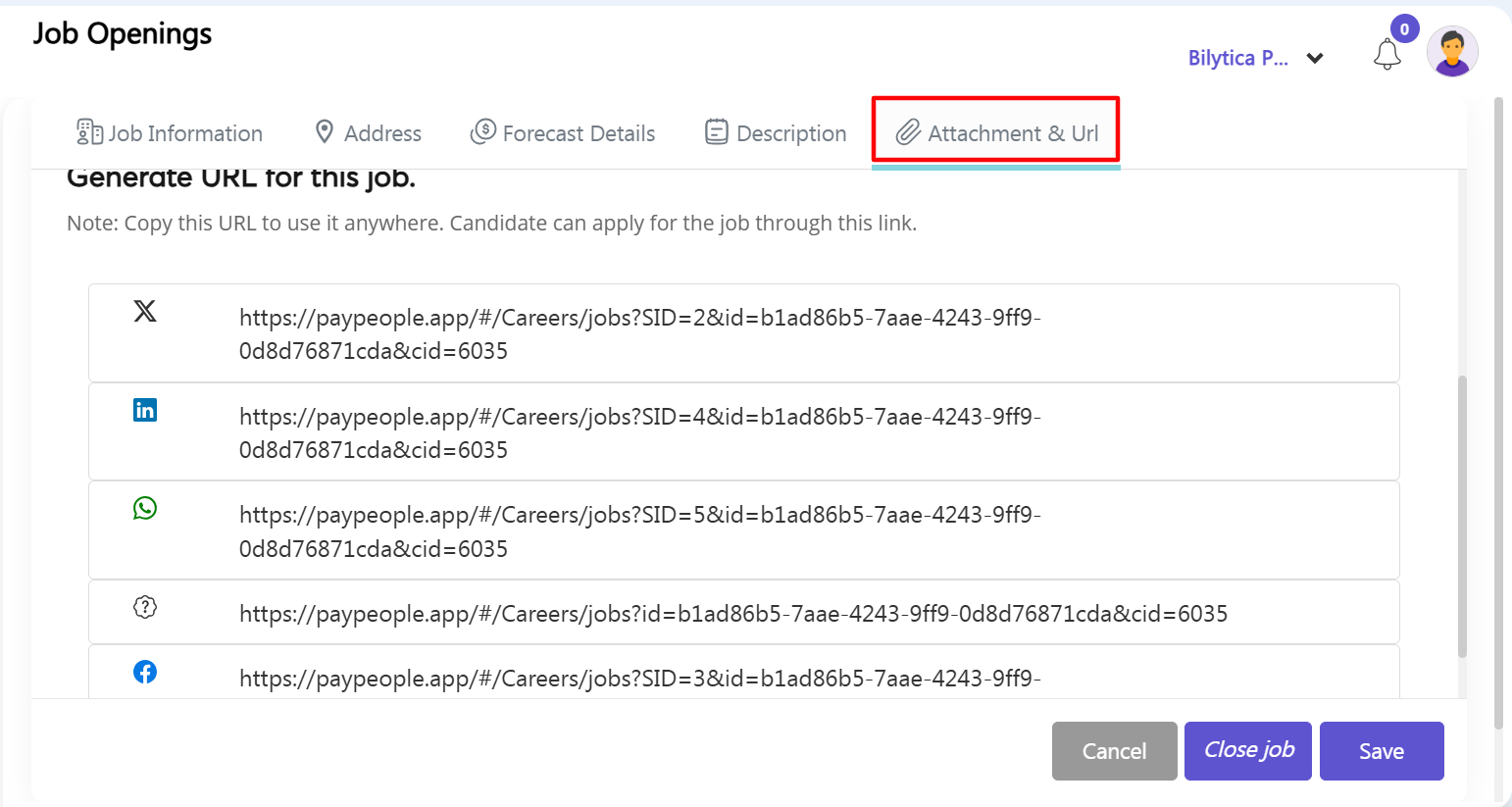
- Step 9: Share on Social Media Tracking Links — Go to the final tab labeled Attachment & Url. Copy the specialized tracking links generated for platform sharing (like Facebook, WhatsApp, X, and LinkedIn). Post these links on your social media channels or careers website. When candidates click and apply, their application data will instantly and automatically sync directly back into your candidate tracking tables.