

If you have submitted a ticket to our customer support team, you may want to check on its status or view any updates. Here's how to view your tickets in PayPeople:
Step 1: Click on the 'Help' icon located at the top right of the page.
Step 2: Select 'Support & Tickets' from the drop-down menu.
Step 3: Click 'Open' tab. You will see a list of all the tickets.
Step 4: Click on 'Click for Conversation' to view ticket chat between you and support team.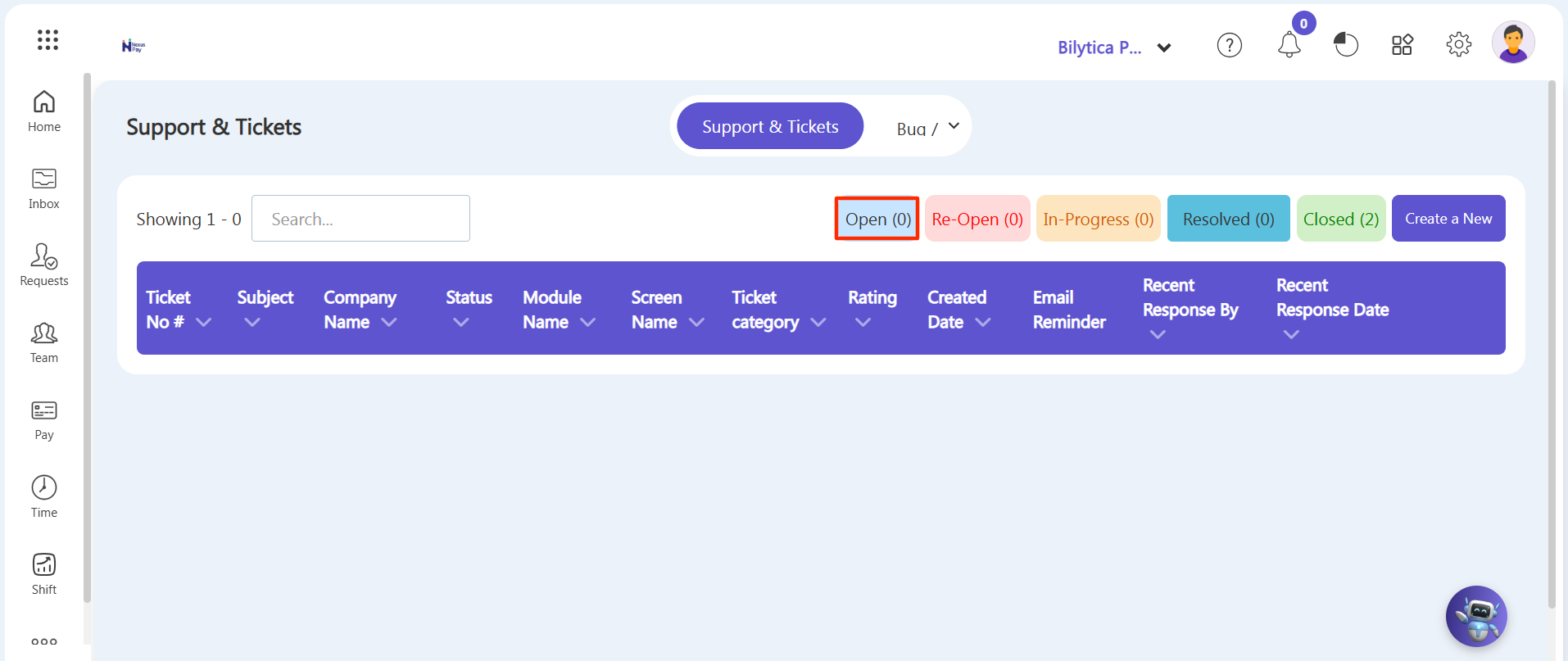
Note: If you have multiple tickets, you can use the search bar to find a specific ticket by entering the ticket number or keywords related to your issue.