To guarantee timekeeping truth and prevent employees from marking attendance using multiple phones, you can enforce a strict single-device lock policy:
Step 1: Go to Settings > Security > Manage Users and select the targeted user account row.
Step 2: Locate and check the Mobile Restrict checkbox indicator, then click the Save button.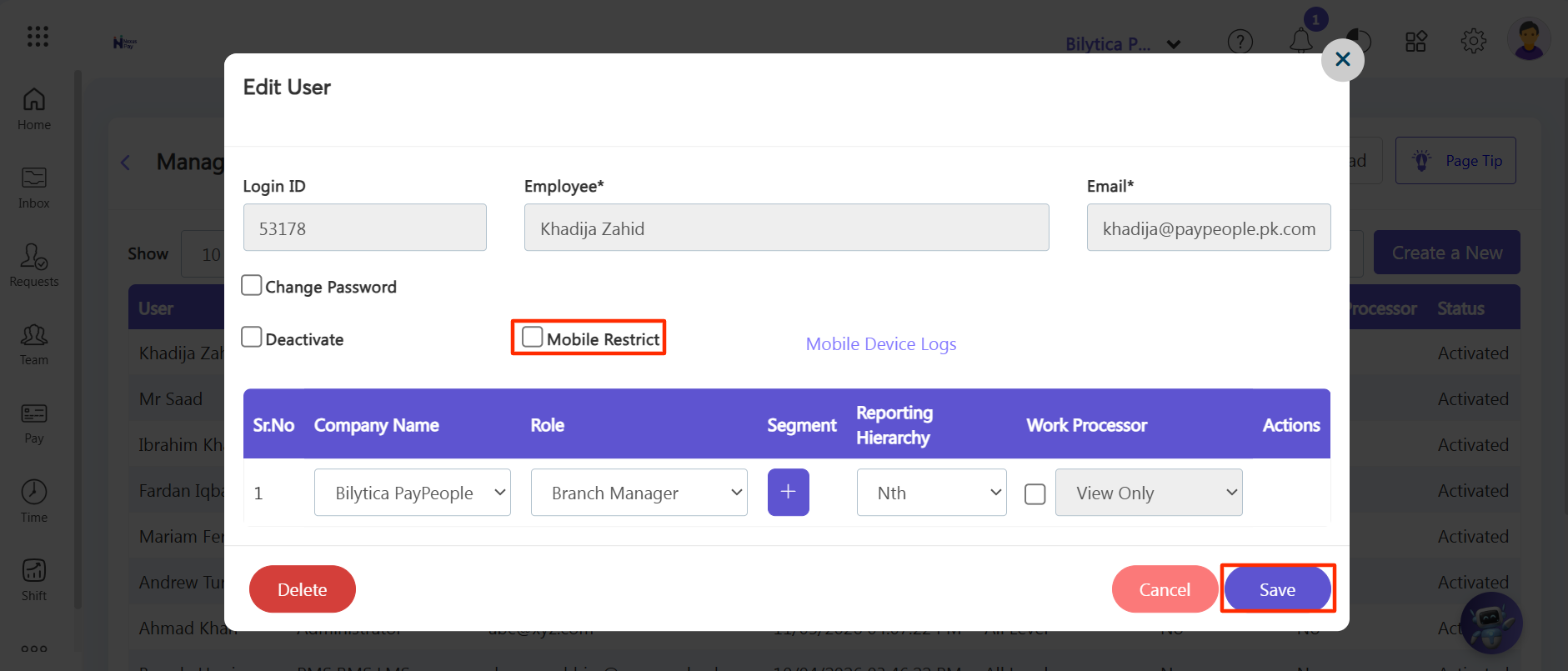
Step 3: When that employee logs into the official PayPeople mobile app, they will be prompted to register their current phone device layout.
Single Lock Verification: Once registered, the employee cannot log into their account or submit shifts from any other mobile smartphone!
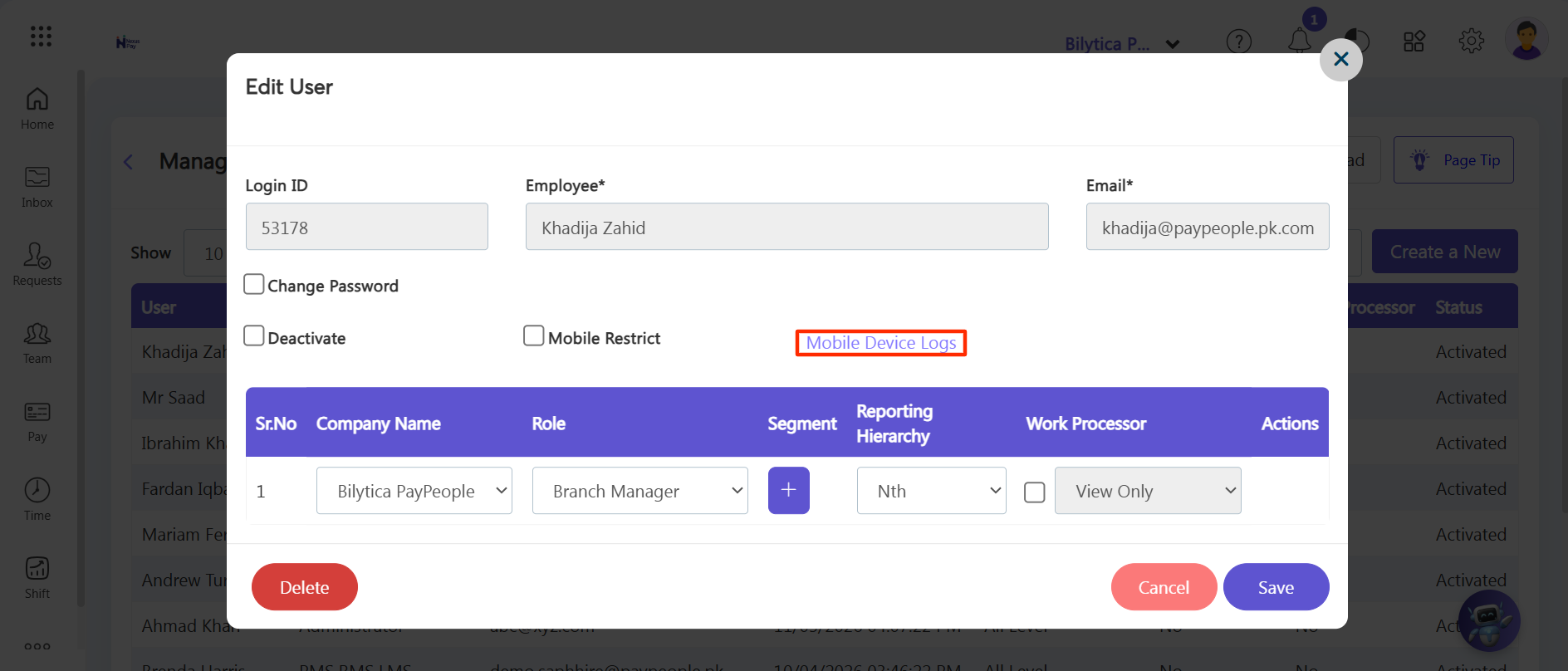
Step 4: As an Admin, you can audit their hardware specifications at any time by clicking the blue Mobile Device Logs text link button inside their configuration card.