

Objective
To securely authenticate registered personnel (employees, HR operational managers, and platform administrators) and grant authorized system access based on assigned organizational roles.
[ System Screen Anchor: Login & Sign-Up Interface ]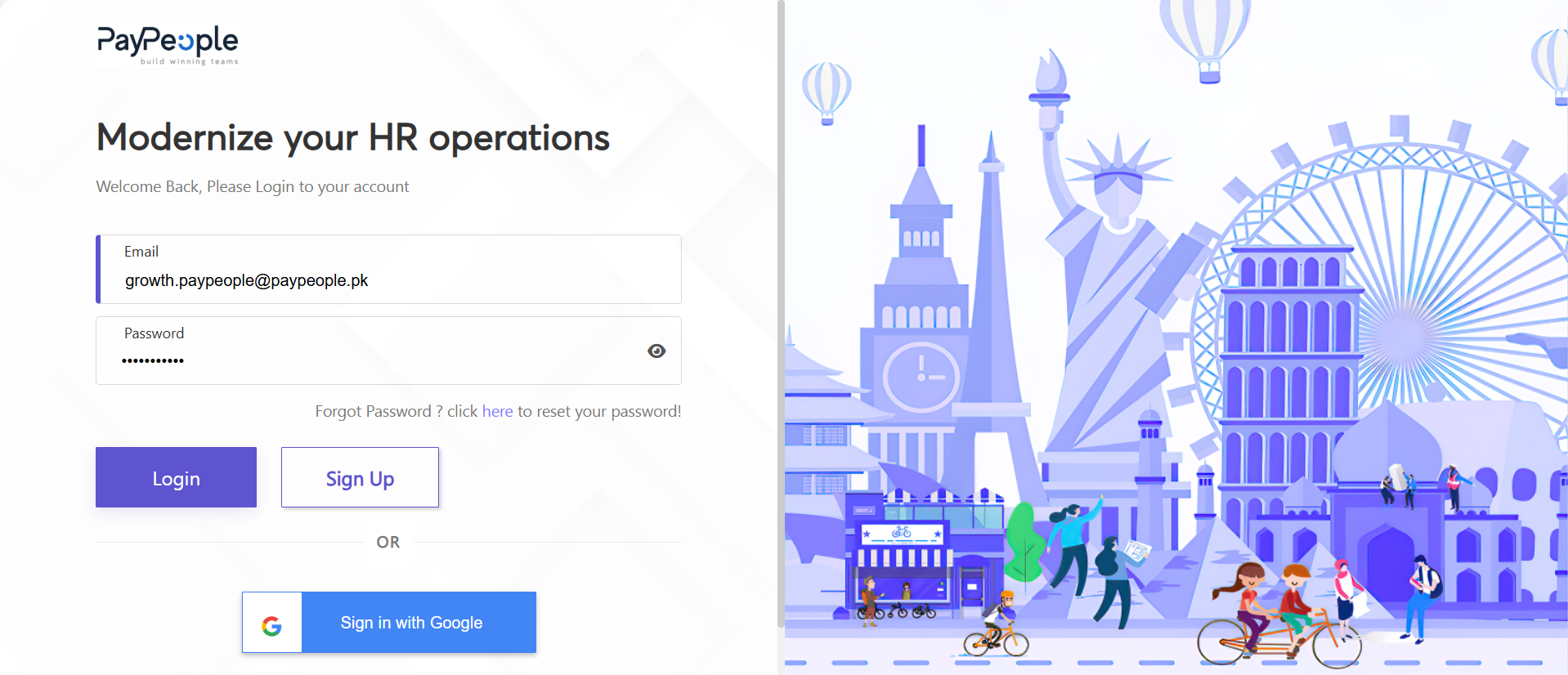
Step-by-Step Instructions
1. Navigate to your company's dedicated PayPeople portal address via a supported web browser.
2. Enter your officially registered corporate email address directly into the Email input text box.
3. Input your personal, unique security credentials within the Password input field.
Professional Tip: Click the Visibility Eye Icon located on the right side of the password field to toggle plain-text exposure and ensure credential accuracy before execution.
4. Click the blue Login validation button to authenticate and launch your customized dashboard interface.