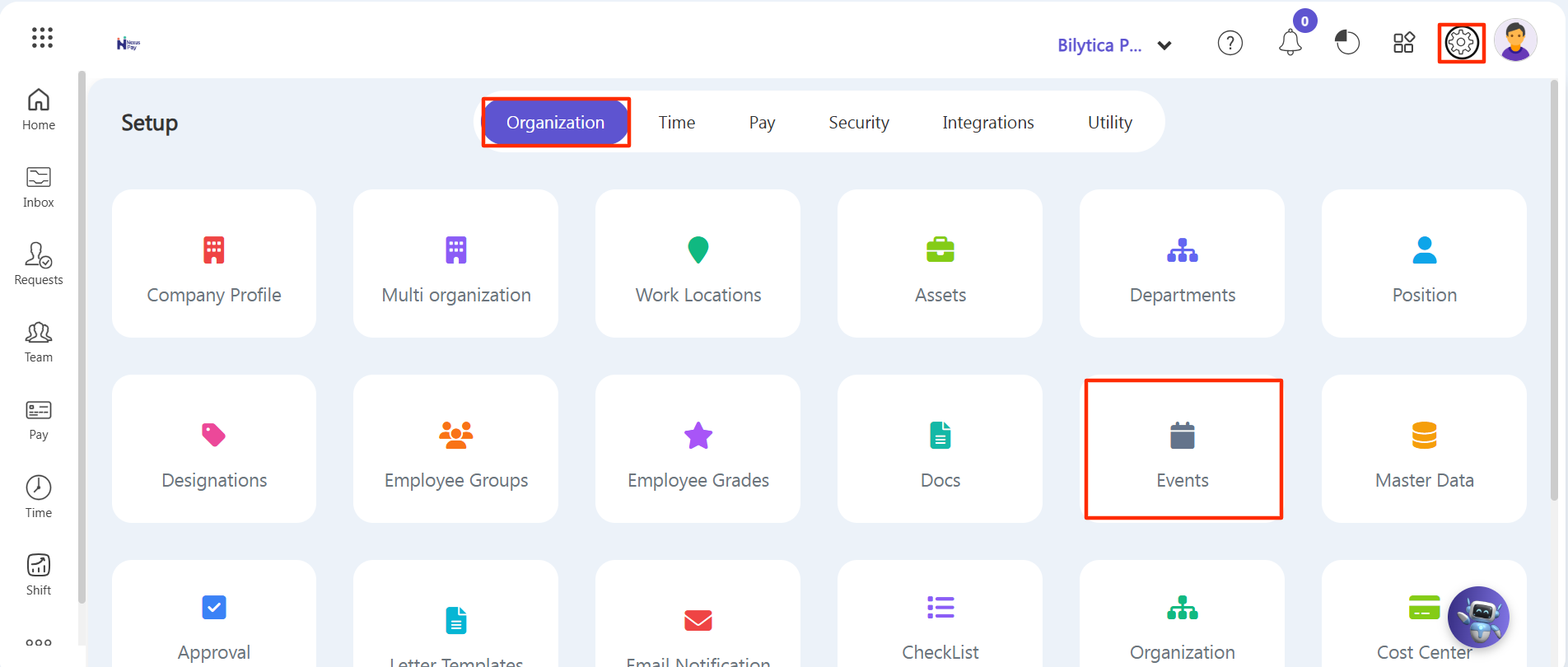
Step 1: Look at the top main menu dashboard strip and click on the Settings gear icon on the right side.
Step 2: From the left sub-settings sidebar, click on Organization to expand its options.
Step 3: Click on Events from the menu listing (as shown in the configuration view below).