Step 4: Inside the Events section page, click the 'Create a New' command button located on the top right quadrant (highlighted in red).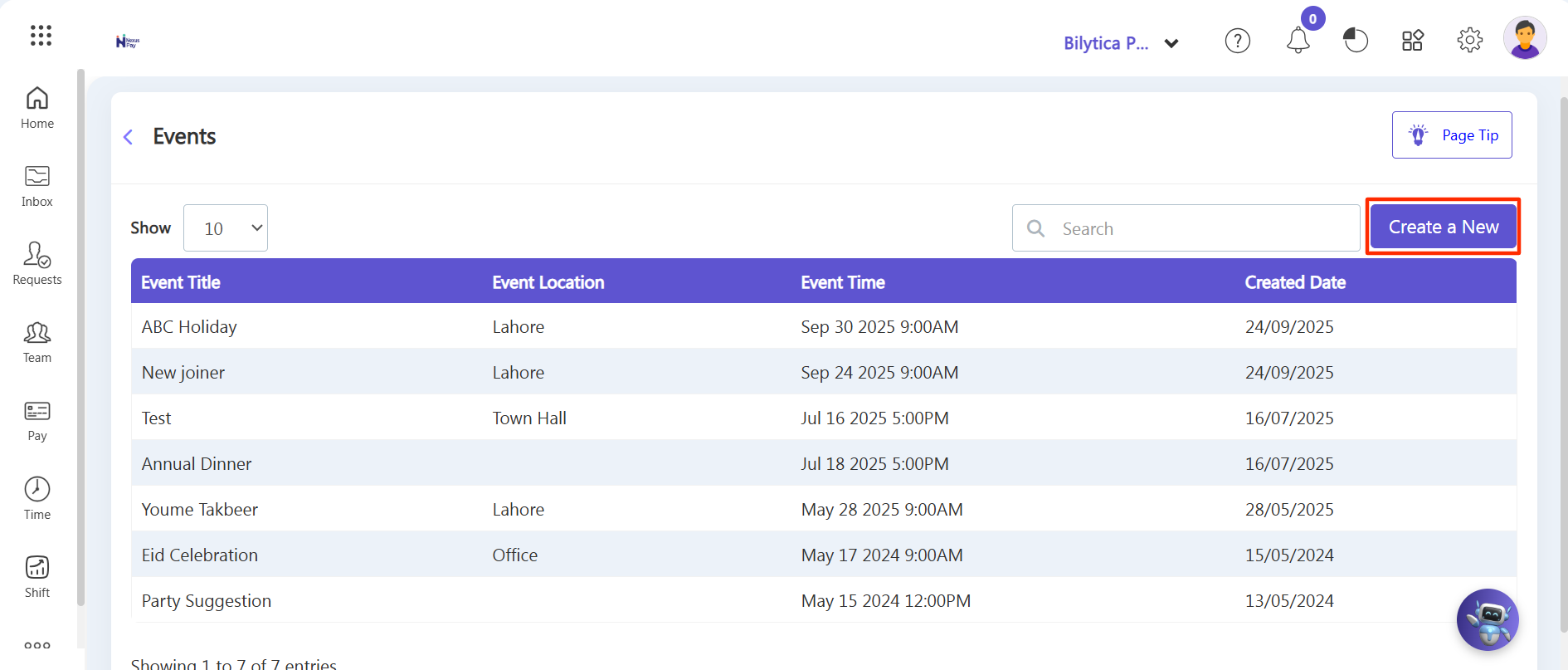
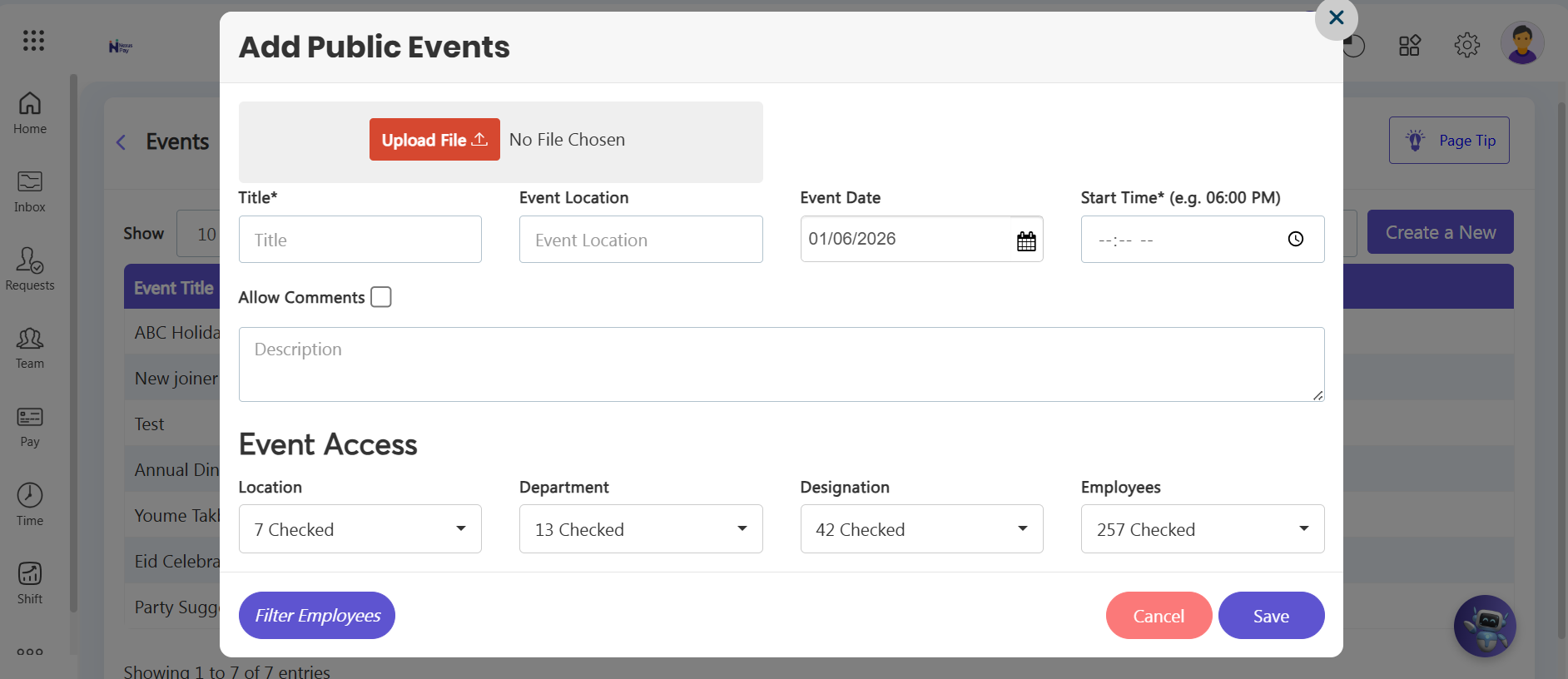
Step 5: An 'Add Event' slider form window will instantly pop open on the right side of your screen.
Step 6: Fill in the required information details for the announcement:
• Event Title (e.g., Annual Gala, Eid Holiday, Office Town Hall Meeting)
• Start Date & End Date (Pick the precise calendar days the event takes place)
• Description (Add the timing, venue details, or specific guidelines for employees)
Step 7: Click the purple Save button at the bottom of the slider form to commit the record.