

On This Page
- 01Staff student attendance separation: why records differ
- 02Illustrative Pakistani education example: follow the event, not the assumption
- 03A step-by-step way to establish the boundary
- 04Give each role a clear responsibility
- 05Common mistakes and how to test before rollout
- 06Summary
- 07Frequently Asked Questions
Quick Answer
Staff student attendance separation keeps employee timekeeping distinct from learner presence records. Give each population its own identifier, purpose, accountable owner and correction route. Before using staff time in payroll, verify it against the employer’s approved work arrangements; a class register alone does not establish an employee’s working time or absence.
Key Takeaways
- One campus, distinct records. Employee timekeeping and student registers serve separate operational decisions.
- Name the accountable owner. HR owns employee attendance review; academic teams own learner register correction.
- Reconcile with evidence. Use approved schedules, staff records and documented decisions rather than inference from a class list.
- Test exceptions, not just routine days. Check substitutions, split duties, off-site work, delayed opening and corrections before rollout.
- Keep payroll approval explicit. A staff attendance result becomes a payroll input only after the designated review.
Staff student attendance separation: why records differ
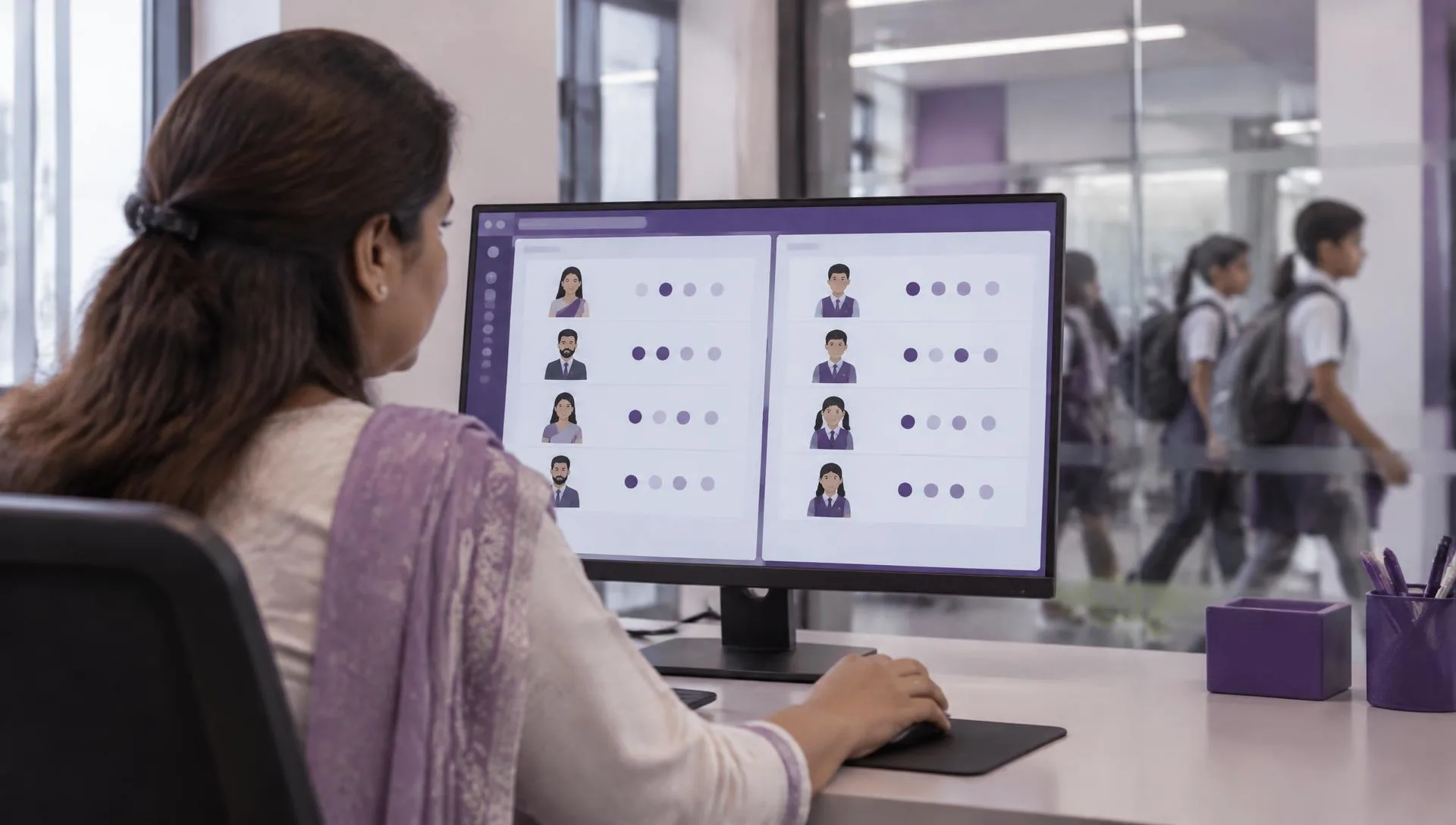
A class register asks which learners were present for a lesson or other scheduled activity. An employee attendance record asks whether a particular employee met an agreed work schedule, and what approved explanation applies to an exception. Those records may concern the same room and time, but they are not interchangeable evidence.
In a school or college, the overlap can look deceptively simple: a teacher is expected in a classroom when a lesson begins, and students are expected to be there too. Yet an empty room can result from a timetable change, an assembly, an examination, a cancelled class or a teacher being assigned elsewhere. A learner may arrive late while the teacher is already present. A teacher may perform preparation, supervision or administrative work without a class register entry. A single mark cannot reliably describe all these circumstances.
Start by writing down the decision each record supports. A student register may support follow-up by academic staff, communication with a family, or other institution-defined learner processes. Staff timekeeping may inform a manager’s review of scheduled work, an exception decision or an approved payroll handoff. Define the institution’s purposes and access arrangements rather than collecting everything in one spreadsheet because it is convenient. If legal obligations or retention questions arise, obtain appropriate professional advice for the institution and its context.
Identifiers must reinforce the distinction. Use an employee identifier for staff records and the institution’s student identifier for learner records. Names, classroom numbers and subject labels are not dependable join keys: names can repeat, change spelling or be shared by different people. If a staff member is also a parent, guardian, student or enrollee in another programme, do not let that second relationship silently merge the person’s records. Define the role in which a transaction is being recorded.
This article is about the staff boundary, not an academic attendance system. Review Attendance Software as an employee-timekeeping requirement and ask for a demonstration of the staff workflow you intend to use. Keep learner registers, academic reporting and any separate student-information requirement in their own scope and evaluation.
| Question | Staff attendance record | Student attendance register |
|---|---|---|
| Who is recorded? | Employees identified by staff identifier | Learners identified by student identifier |
| Primary owner | HR or the employer’s named attendance reviewer | Academic office or delegated class-register owner |
| What is being decided? | Whether scheduled employee time needs review or payroll treatment | Whether a learner attended a scheduled learning activity |
| Correction route | Employee or manager submits evidence; authorised HR reviewer resolves | Teacher or academic office corrects the register under institutional practice |
| Do not infer | A missing student mark does not prove staff absence | A staff punch does not confirm learner presence |
Illustrative Pakistani education example: follow the event, not the assumption
The following scenario is illustrative, not a report about a named school or a statement of law. It shows how an institution can route an ambiguous morning without treating a student register as a proxy for an employee record.
Imagine a privately managed secondary school in Rawalpindi. On a Monday, a water-supply issue leads the principal to delay the first period while the administration team checks rooms and contacts families. One teacher arrives at the time shown on the usual schedule, supervises students who are already on site, and later covers a colleague’s class. Another teacher is assigned to prepare examination papers in the staff room. Some learners arrive after the original bell time; a few are marked absent before the academic office receives the revised opening instruction.
If staff and student records have been combined, the late learner marks may be mistaken for a late-starting teacher, and the teacher with no class register may appear absent. The institution should instead preserve the announcement or approved schedule change, document which employees were directed to report and what alternative duties applied, and let the academic office correct the learner register under its own procedure. HR reviews only the staff-related evidence and refers unresolved work-rule questions to the authorised manager.
At month end, an HR reviewer should not copy a total of absent students into an employee attendance adjustment. Nor should a teacher’s attendance confirmation be used to fill gaps in a learner register. If the principal approved a changed staff schedule, HR records the relevant decision using the institution’s established method; payroll receives only the reviewed employee input required for its process. The scenario demonstrates why records need separate owners even when a single operational disruption affects the whole campus.
The same principle applies to a campus with more than one shift, a laboratory, transport supervision, a library or an examination hall. A person’s assigned duty may not look like a normal teaching period. Specify the evidence that an employee was working under the approved arrangement, and specify separately how student activity is recorded. Do not decide an employee’s pay consequence from this example: the employer’s policy, contract and circumstances need their own review.
This scenario illustrates record separation only. It does not prescribe a Pakistani employment rule, a school attendance policy or a payroll outcome.
A step-by-step way to establish the boundary
A useful design starts with a small set of written decisions and then tests them against real operating patterns. Do not begin by importing every spreadsheet into a new process; first establish which information belongs to which owner and why.
- Map the people and identifiers.
List employee groups in scope, including teaching, administration, support and temporary assignments where applicable. Identify the staff identifier and the separate student identifier. Decide how a person with more than one institutional relationship is represented without merging unrelated records.
- Write down the staff schedule basis.
Record the approved work patterns, locations, duties and responsible approvers that HR will use for its review. Distinguish a scheduled teaching period from the employee’s complete work obligation. Refer policy interpretation and legal questions to the appropriate authorised adviser.
- Assign record owners and access.
Name the person or function that maintains staff attendance and the separate owner for student registers. Specify who may submit, correct, review and approve each record. Grant access according to assigned responsibilities and check exports as well as on-screen access.
- Define exception evidence and handoffs.
Set a documented route for missed punches, timetable revisions, substitution, approved off-site duty, leave, campus closure and disputed entries. State what HR sends to payroll, who signs off, the relevant cutoff and how a late correction is handled.
- Run scenarios and record acceptance.
Use test records that include ordinary and unusual days. Compare expected staff outcomes with observed records, keep student data out of payroll test populations, list gaps, assign owners and obtain approval before live use.
Use an agreed source-of-truth map rather than asking staff to remember which spreadsheet was last updated. For example, the timetable may help explain an assigned teaching period, but an authorised staff schedule or manager instruction may establish a changed duty. A class register can help the academic office investigate learner presence; it should not automatically amend an employee record. Record which source is authoritative for each decision, and how disagreements are escalated.
The distinction also matters when using Employee Profiles. Confirm the correct employee identity and relevant employment details before attendance is reviewed. Do not use profile access as a reason to expose student information to payroll reviewers. Likewise, staff attendance screens should not become a substitute for the institution’s academic recordkeeping process.
Give each role a clear responsibility
Separation is not achieved by naming two files differently. People need a clear remit, a correction channel and an escalation path so that disputed or incomplete information does not drift into payroll or academic decisions.
HR or the designated attendance administrator maintains employee attendance rules and records, checks identity, reviews exceptions and preserves the decision trail. HR should not determine a learner’s academic status from an employee system. Where an exception requires a manager’s judgement, HR routes the case to the authorised decision-maker and records the outcome rather than inventing one.
A head, principal or delegated line manager confirms work assignments and approves changes within the authority granted by the institution. For instance, a substitution or off-site duty should have a clear approving person and effective date. The manager’s approval does not make the academic register correct; it answers the employee-work question within the institution’s process.
Teachers and other staff should use the designated route to report a missing or incorrect employee entry and provide relevant evidence. They should not edit an academic register merely to explain their own attendance, or use another employee’s identifier. A student or authorised guardian should be directed to the institution’s student-record correction route, not to payroll or HR attendance staff.
The academic office owns the learner-register procedure, including assignment of class-register responsibility, corrections and follow-up under institutional policy. Payroll or finance receives employee data only after the required HR review and authorised approval. A system administrator configures agreed access and supports controlled changes, but should not decide policy, approve a disputed absence or change an academic record to resolve a payroll query.
For access design, ask each role to describe the minimum information required to do its work. A class teacher may need a route to manage a class register; a payroll reviewer may need approved employee attendance inputs. Neither role automatically needs broad access to the other population. Document exceptions, temporary cover and periodic access review so that permission remains aligned when responsibilities change.
- HR: employee identity, attendance review and documented payroll handoff.
- Manager: approved work assignment, schedule change or exception decision.
- Teacher: timely staff correction request through the proper employee channel.
- Academic office: student register ownership and learner correction procedure.
- Payroll/finance: use authorised staff inputs; return unclear items for review.
- System administrator: implement approved access and configuration, not policy decisions.
Common mistakes and how to test before rollout
Most control failures are not exotic. They arise when a familiar classroom routine is treated as proof of an employment fact, when a shared name becomes a matching key, or when a rushed correction bypasses the person responsible for the record.
A common mistake is to treat a student’s absence as proof that the teacher did not attend. The lesson could have moved, the class might be on a trip, or the teacher could have another assigned duty. The reverse assumption is also unsafe: a teacher’s presence does not establish that every learner attended. Keep the two events separate and require evidence appropriate to the decision.
Another error is using a timetable as a complete employment record. Timetables can change and may show only contact periods, not preparation, supervision or administrative duties. Establish what the institution considers the approved staff schedule and how authorised changes are communicated to HR. Avoid treating an informal message or a blank cell as a final decision unless the employer’s own process expressly recognises it.
Combining staff and student details in one workbook can create misdirected corrections, accidental disclosure and confusing totals. Duplicate names, copied rows and reused classroom labels make the problem harder to spot. Separate the datasets at collection, store them under distinct ownership, and test searches and exports. Removing student columns at the final payroll stage is not an adequate substitute for keeping student records out of an employee payroll workflow from the outset.
A further mistake is allowing an administrator to silently repair disputed data so that a report looks tidy. Preserve the original entry and the correction request, identify who resolved the question, note the supporting record and record when the change took effect. Where the evidence conflicts, mark it as unresolved and escalate it. Never convert an assumption into a payroll adjustment merely to meet a processing deadline.
Before rollout, test a normal teaching day, a non-teaching employee’s shift, a substitute assignment, a changed opening time, an approved off-site task, leave, a missed punch and a correction after the review cutoff. For each case, write expected staff treatment, expected student-record handling, the reviewer and the evidence. Include a case where a staff member has a similar name to a student, and verify that the identifier prevents misclassification. Discuss payroll compliance separately with qualified advisers when determining applicable obligations; a workflow test is not legal advice.
Acceptance should be evidenced, not assumed. Keep the test date, scenario, expected result, observed result, issue owner and resolution. Ask the supplier to demonstrate the proposed staff setup using appropriate sample records. Do not infer student-register capability from employee-attendance imagery, a sales description or a successful payroll example. If academic attendance is required, evaluate that as a separately defined need.
Summary
For a dependable boundary, write down the purpose, identifier, record owner and correction route for each population. Build employee decisions from approved work arrangements and reviewed staff evidence; let the academic office maintain student registers. Test disruptions and exceptions, keep a traceable approval record, and send only authorised employee inputs through the payroll process. Confirm legal and policy questions for the institution’s actual circumstances.
Next step: see how this works in PayPeople Attendance Software.
Frequently Asked Questions
Why should staff and student attendance be separate?
The records support different decisions and concern different populations. Employee timekeeping may be reviewed for work scheduling and an authorised payroll handoff, while a student register supports learner-related institutional processes. Separate identifiers and owners reduce mistaken matching and make corrections easier to route. A shared campus or class timetable does not make the underlying records interchangeable.
Can a class register prove whether a teacher attended?
Not by itself. A class may be moved, cancelled or assigned to a substitute, and a teacher may have preparation, supervision or another approved duty without a student register entry. HR should review the staff schedule and appropriate employee evidence, then refer disputed work arrangements to the authorised manager. Academic staff should handle the learner register separately.
What does illustrative mean in the Rawalpindi example?
It means the scenario is a teaching aid, not a report about a named institution or a statement of Pakistani law. It shows how a changed opening time can affect staff and learners differently. Employers should apply their own documented work arrangements and student-record process, and seek qualified advice for legal or policy questions relevant to their circumstances.
Who should own employee attendance corrections?
The employer should name an HR or attendance reviewer to receive employee correction requests, check relevant evidence and document the resolution. A line manager may need to confirm an assignment or schedule change under delegated authority. A system administrator can support configuration but should not decide a disputed absence. The student register should have its own correction owner.
Should student data be imported into payroll testing?
No, not for a staff payroll test. Use suitable sample employee records and test the approved staff attendance-to-payroll handoff without adding student identifiers or register details to the salary population. If the institution needs academic attendance software, define that requirement separately and assess it on its own acceptance criteria rather than assuming employee timekeeping covers it.
What staff scenarios should an institution test?
Include routine teaching and non-teaching schedules, a substitute assignment, a changed campus opening, approved off-site work, leave, a missed punch and a correction submitted after the normal review point. For each scenario, record the expected staff result, the separate student-register action, evidence, reviewer and approval. Resolve gaps before live use and retain the final acceptance decision.
How should a Pakistani employer handle legal questions?
This guide does not set a universal Pakistani attendance or payroll rule. The employer should identify the applicable policies and requirements for its institution, workforce and circumstances, and consult competent professional advice where interpretation is needed. Keep that determination separate from software configuration: a system demonstration can show a workflow, but it cannot establish which legal rule applies.
What should a supplier demonstrate before selection?
Ask for the actual employee workflow in scope: how staff are identified, how attendance exceptions are reviewed, who approves changes and what employee information reaches the payroll handoff. Use representative test cases and capture observed results and limitations. Ask academic attendance questions separately, and do not treat an employee screen or product image as proof of student-register functionality.
Sources
- Pakistan Ministry of Federal Education and Professional Training (opens in a new tab)
- Higher Education Commission of Pakistan (opens in a new tab)
Feature details are checked against PayPeople’s product pages and help guides. Laws and settings change; confirm current rules with the official source.