

How We Onboard You
Most HR teams go live within a few weeks. Our implementation team sets up your company, imports your employee data and checks your first payroll with you before you go live.
- Data Import Included
- Parallel Pay Cycle
- Local Support
5.0 Customer Rating Trusted by 850+ organizations
Trusted by 850+ Organizations, Including FBR


























From Demo to Your First Payroll
A clear path, with the PayPeople team alongside you at every step.
- Step 1
Plan Your Setup
We agree the modules you start with and a timeline that fits your company size.
- Step 2
Set Up Your Company
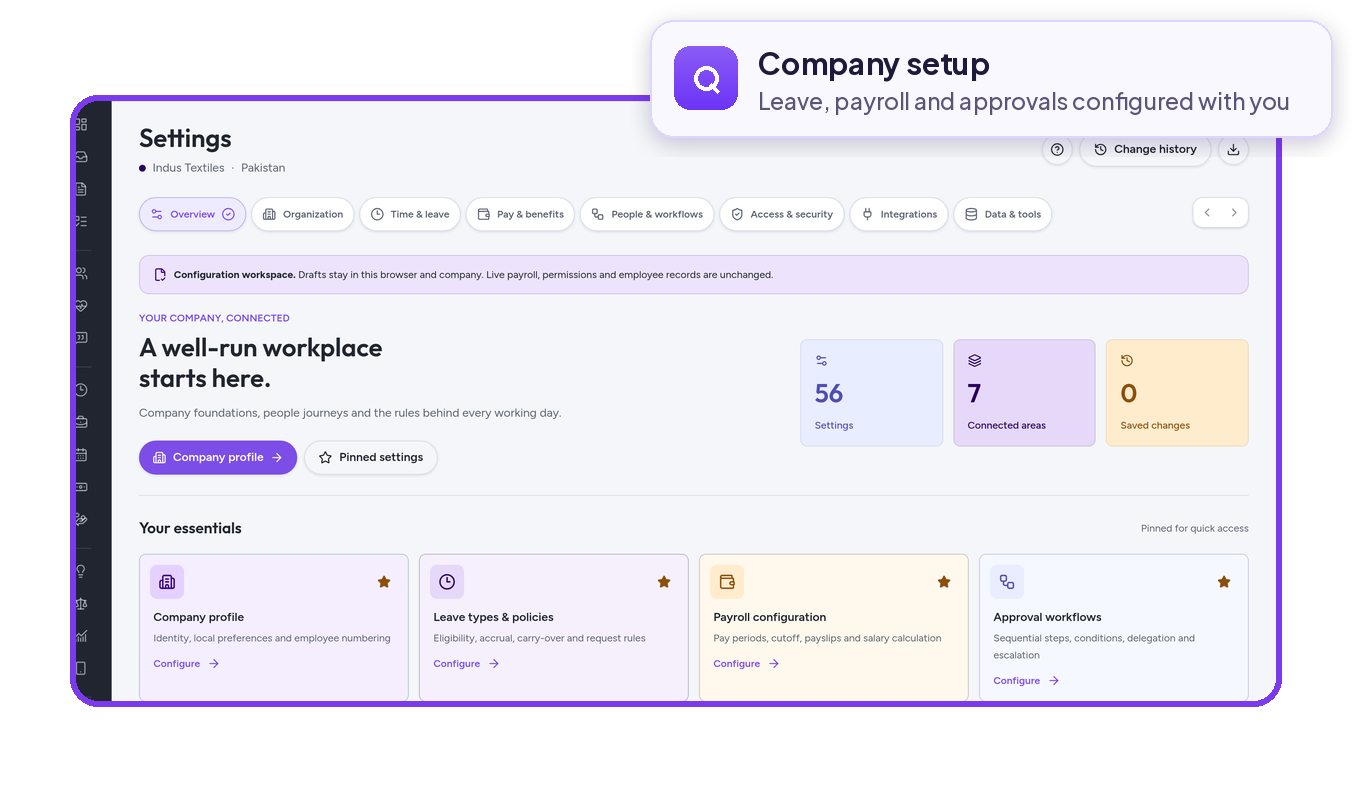
We configure shifts, leave and holiday rules, and salary structures.
- Step 3
Import Your Data
Employee records, leave balances and open loans move in through standard templates.
- Step 4
Connect Attendance
Attendance devices are linked so attendance flows into leave and payroll.
- Step 5
Test, Then Go Live
We run a parallel pay cycle with you and go live once results match.
Handled by Our Implementation Team
Onboarding is led by our implementation team, so your HR and finance staff aren’t left to configure the system alone.
- Data ImportStandard templates for employee master data, leave balances and loan ledgers
- Pakistan Payroll RulesTax, EOBI and social security set up for your pay run
- Parallel Pay CycleCompare results with your current method before go-live
- Employee AppSelf-service for employees and approvals for managers
How Customers Went Live
Support When You Need It
Help stays close after your first payroll.
Plan Your Go-Live With Us
Book a demo and we’ll map out the setup steps and timeline for your organisation.